FileKit
Files in. Result out. Nothing leaves your browser.
About
Most "free" file websites want an email, an upload and a little of your patience. FileKit asks for none of them.
Drop in a file, pick the job and download the result. That's the whole routine. Merging, splitting, compressing, converting, OCR, Word ↔ PDF and screen capture all happen right on your device, in the browser tab, so your files never visit anyone's server. There's no account, no queue and nothing waiting in some cloud folder afterwards.
When you'd like a hand from AI, FileKit brings it without the strings. It can summarize a long report, transcribe a voice note or write a snippet of code. Transcription and code generation can run on-device, or you can plug in your own OpenAI, Anthropic or Google key. The only thing that goes out is the text that task needs, sent straight to the provider you chose.
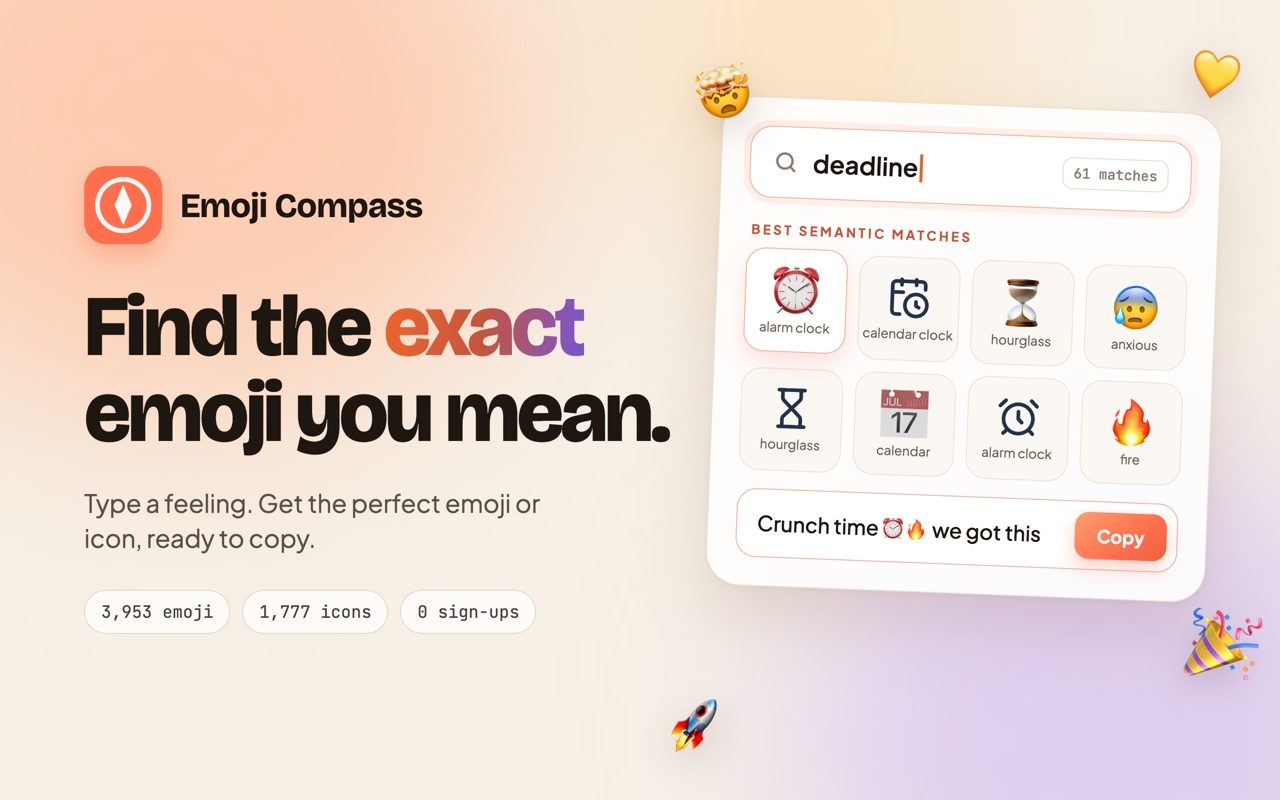
For the makers there's a second shelf: a notepad, a Markdown previewer, a diff checker, a whiteboard, Mermaid and Graphviz editors, a snippet library, a screen recorder and a video-to-GIF studio. Your notes and drawings stay in your own browser, and export and clear buttons are always one click away. There's even a searchable library of all 3,944 emoji, in case your work needs a 🎉.
It's calm, quick and private by design. Twenty tools for the small jobs, and a tab you'll keep pinned.
Every listing on OzLorien Labs is real and runnable. Nothing here is a mockup — try it yourself with the buttons above.
More from Subhasis Dutta
 @subhasisdutta
 @subhasisdutta
 @subhasisdutta
 @subhasisdutta
 @subhasisdutta
 @subhasisdutta